AI Isn’t the Problem. Your Prompt Might Be.
Yep, that’s an AI-created caricature of me.
When images like this first started popping up all over social media, people thought they were cute. They were funny. They generated some friendly chatter and gave everyone something new to play around with.
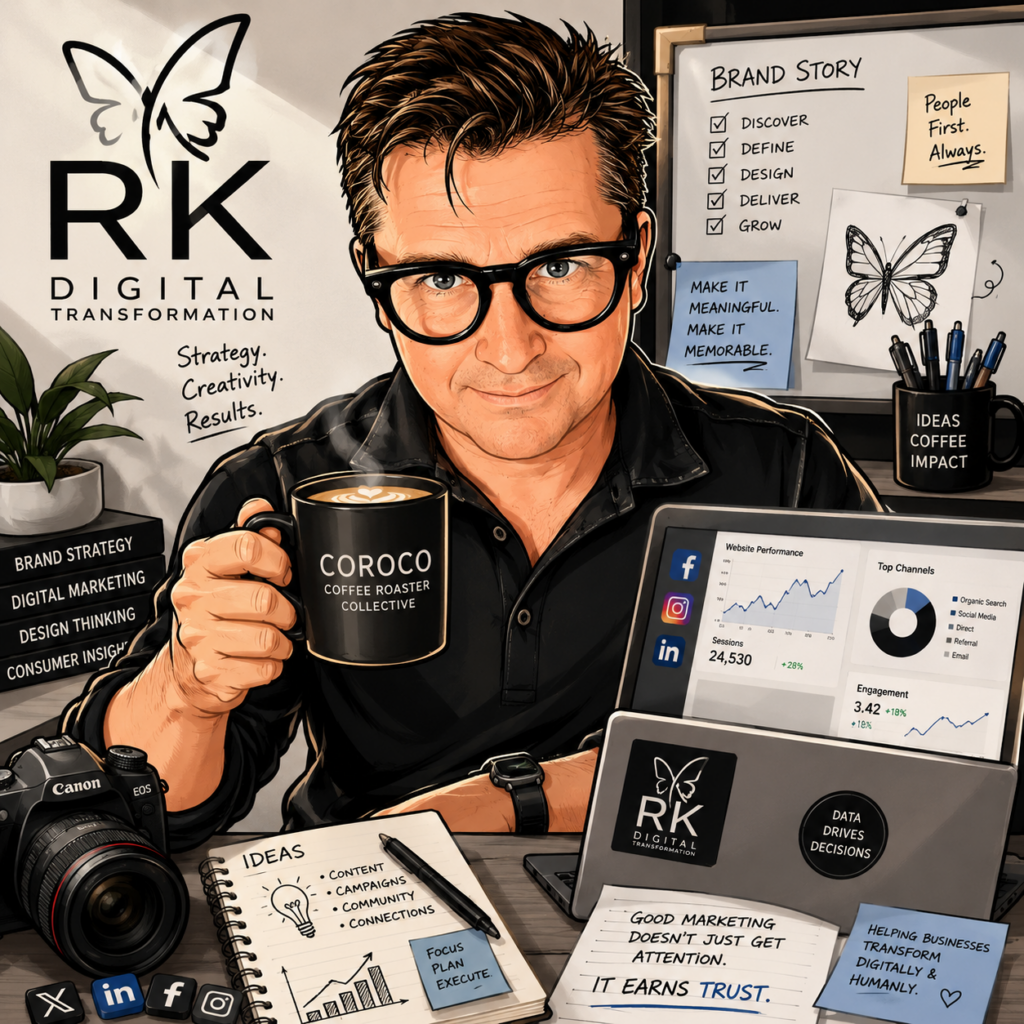
Fast-forward to today, and our feeds are plastered with AI-generated images from small businesses—and plenty of large businesses too.
You know the ones I’m talking about: the ultra-polished graphics packed with perfectly formatted text that almost no one will ever read. Everything is nicely laid out. Everything is shiny. And sometimes, everything is just a little too much.

But what has really caught my attention is how harsh the reactions have become, especially when a small business posts one.
“AI crap.”
“I’m not shopping there.”
And I’m thinking…yikes. Seriously?
These are small-business owners. Many of them are doing everything themselves and simply trying to keep up. If they find a tool that might help their business, or make one part of their job a little easier then of course they’re going to give it a try.
I don’t think using AI is the problem.
The problem is treating the first result as the final result.
AI can help you create something useful, but you still have to bring your own ideas, judgment and personality to it. If the result looks generic, cluttered or painfully artificial, the first thing you should probably look at is your prompt.
You can even ask your AI tool to help you write a better prompt before you create the image. Tell it what you’re trying to accomplish, who the image is for and how you want your business to come across.
Or start by adding these five things to your prompt:
- Explain the purpose. Is this a social media post, a website banner, an advertisement or a blog image?
- Describe your audience. Tell the AI who you want the image to connect with.
- Provide brand direction. Include your colors, logo, preferred style and the personality of your business.
- Set some boundaries. Be clear about what you don’t want—clutter, fake statistics, glowing charts, excessive text or generic business icons.
- Ask for good design. Request a clear focal point, strong visual hierarchy, readable typography and plenty of breathing room.
The more direction you provide, the less likely you are to end up with an image that looks like AI was simply asked to “make it professional.”